Joyor S10-S-Z · Display & electrics
Display blank, flickers, or E-06 / E-07
The display talks to the controller down one cable. When that link breaks, you get E-06, E-07 or a dead display.
Is this your problem?
- E-06 or E-07
- Display flickers or resets over bumps
- Display dark but lights work
Likely causes
Fold and unfold slowly with the scooter on. Does the display cut out at a point?
What you need
Tools
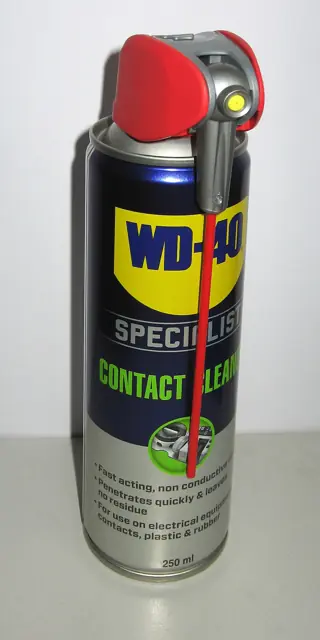 Example photo
A spray made for electrical contacts, one that evaporates fully. Use it only with the scooter switched off.
Photo: Ubcule, CC BY 4.0, resized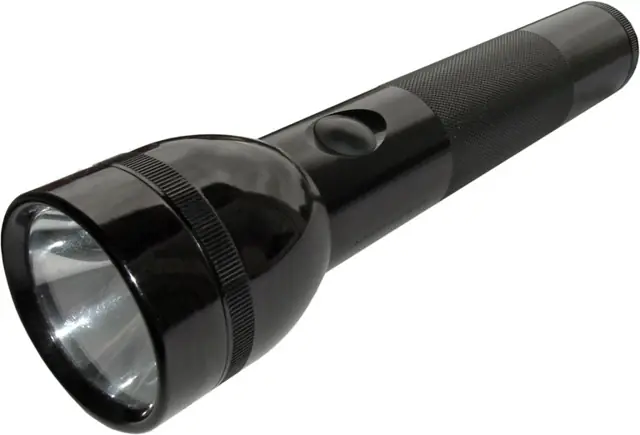 Example photo
Or your phone light. You need to see into the deck and connectors.
Photo: KMJ, CC BY-SA 3.0, resized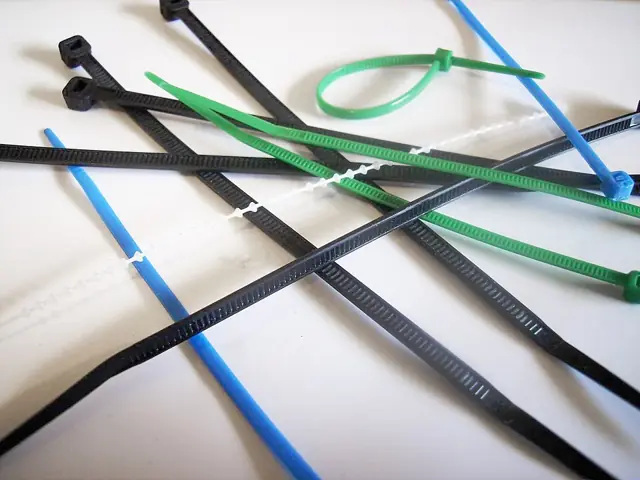 Example photo
For tidying cables away from moving parts once you are done.
Photo: Silverxxx, CC BY-SA 3.0, resized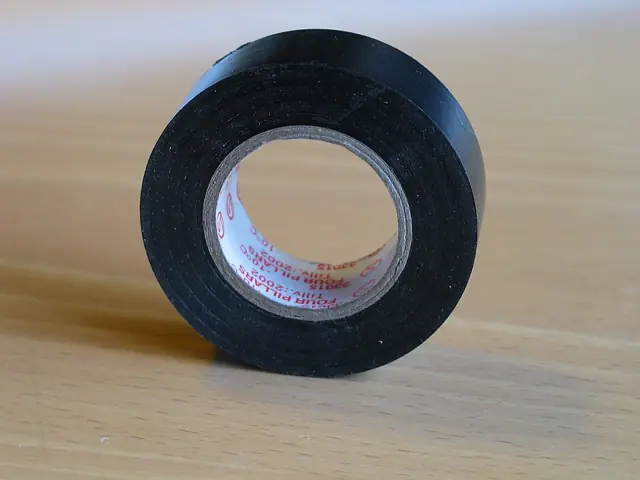 Example photo
For a temporary wrap on a chafed cable jacket (outer layer only). Damaged wire inside needs a proper repair.
Photo: Jonas Bergsten, Public domain, resized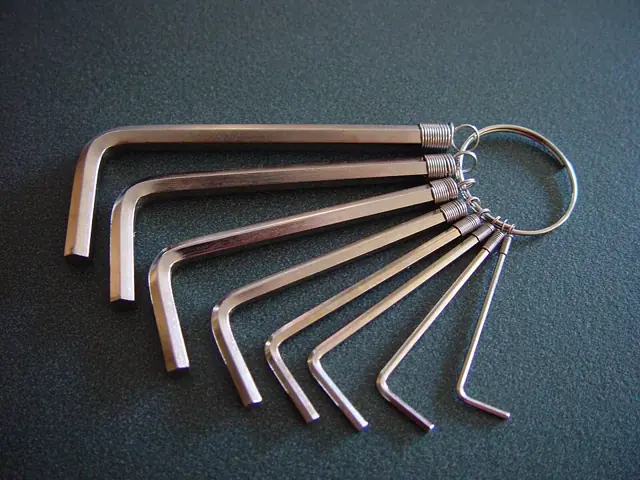 Example photo
A metric set, roughly 2 mm to 8 mm. Long-arm keys reach the recessed bolts on the stem and deck.
Photo: Leon Brooks, Public domain, resizedPhotos show the kind of tool or part, not a specific product. We don’t sell anything and get nothing from any shop.
Step by step
Tap a step when it’s done to keep your place.
- Switch off
And unplug the charger.
- Find and open the plugs
Follow the display cable down the stem. Unplug each joint, look for water or green corrosion.
- Clean, dry, reconnect
Contact cleaner, let it dry, then plug in firmly with the arrows or tabs lined up.
- Protect the cable
Make sure it runs with slack through the fold and is not caught by the clamp. Tie it away from sharp edges.
When to take it to a shop
If a cable is cut inside its jacket, or the display itself is faulty.