Joyor S10-S-Z · Display & electrics
Scooter won’t turn on at all
No lights, no display. Start with the simple things: charge, power button, connectors.
Is this your problem?
- Nothing happens when you press the power button
- Display stays black
Likely causes
Put it on charge. Does the charger light show it is charging?
What you need
Tools
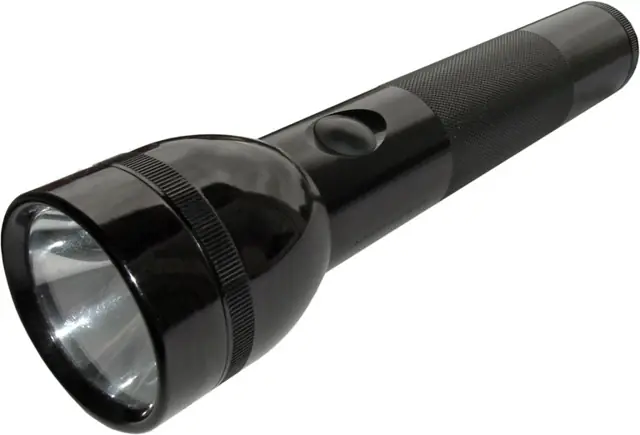 Example photo
Or your phone light. You need to see into the deck and connectors.
Photo: KMJ, CC BY-SA 3.0, resized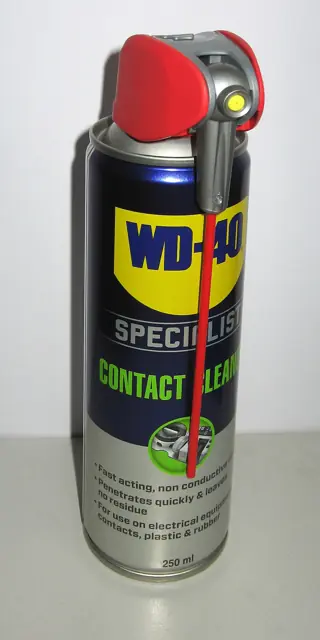 Example photo
A spray made for electrical contacts, one that evaporates fully. Use it only with the scooter switched off.
Photo: Ubcule, CC BY 4.0, resizedPhotos show the kind of tool or part, not a specific product. We don’t sell anything and get nothing from any shop.
Step by step
Tap a step when it’s done to keep your place.
- Charge it
Give it an hour on charge, nearby, then try the power button again (a firm, longer press).
- Check the display cable
Look at the cable at the handlebar and the fold. Unplug, dry, clean, plug back firmly.
- Dry it out
If it was in rain, leave it indoors in a dry room for a day before trying again.
Stay safe
- Anything inside the battery pack, or a pack that is swollen, hot, smells or has been dropped hard. Stop using it and take it to a shop that works on e-scooter batteries.
When to take it to a shop
If it charges but still does not turn on.