Joyor S10-S-Z · Lights
Turn signals don’t work
The signals are the lights on the sides of the deck, switched from the left panel.
Is this your problem?
- No flashing when you press the signal button
- One side works, the other does not
Likely causes
Try both directions. One side dead = that light or its plug. Both dead = button or wiring.
What you need
Tools
 Example photo
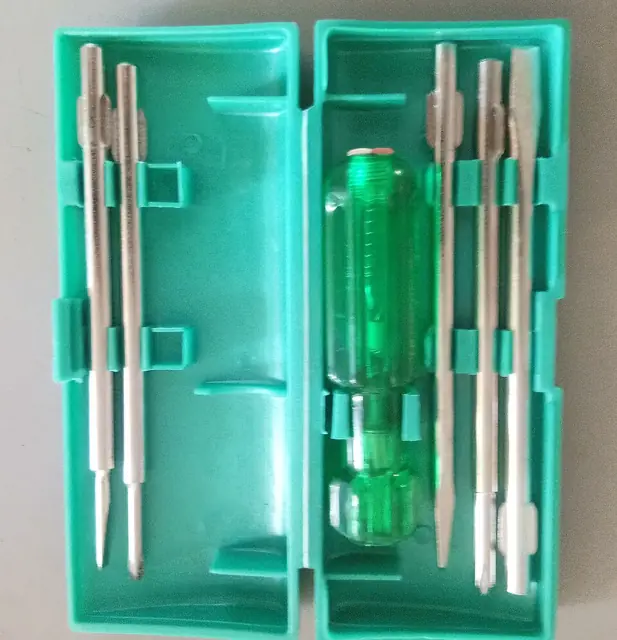
Phillips and flat, in a couple of sizes, for covers and light housings.
Photo: Dnyaneshwari Dalvi, CC BY-SA 4.0, resized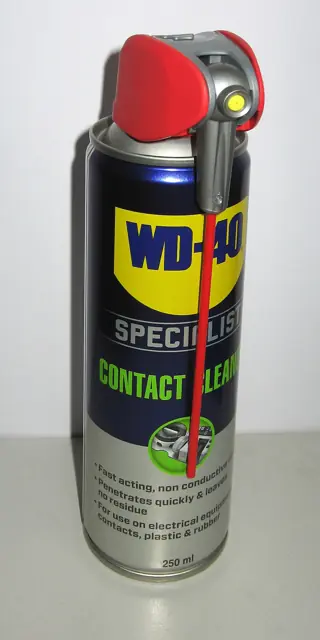 Example photo
A spray made for electrical contacts, one that evaporates fully. Use it only with the scooter switched off.
Photo: Ubcule, CC BY 4.0, resized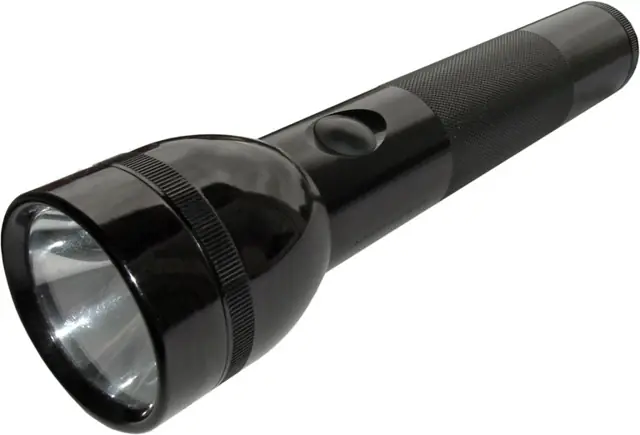 Example photo
Or your phone light. You need to see into the deck and connectors.
Photo: KMJ, CC BY-SA 3.0, resizedPhotos show the kind of tool or part, not a specific product. We don’t sell anything and get nothing from any shop.
Step by step
Tap a step when it’s done to keep your place.
- Look at the light
Cracks or water inside the lens?
- Check the plug
Scooter off. Reach the light’s plug, clean and dry, reconnect.
- Seal cracks
A cracked lens lets water in. Replace the light.
When to take it to a shop
This one is fine to do at home. If anything looks different from what’s described here, stop and ask a shop.